
For contractors
For Plumbers: How to Write a Repair Estimate Customers Approve Faster
Most plumbing estimates fail before the customer reads the price. The plumber has already diagnosed the problem, knows the parts, and knows the labor — and then hands over a single number on a scrap of paper, or a text message that says "$850 to fix the leak." The customer has no idea what that number covers, so they do the only rational thing: they get a second quote, or they say "let me think about it" and never call back.
The short answer: customers approve estimates they understand. Show them the problem with photos, break the price into parts and labor they can see, state plainly what is included and what is not, and send it as a clean document they can approve with one tap. An estimate is not a guess written down — it is the argument for why the work is worth the price.
1. Photograph the problem before you price it
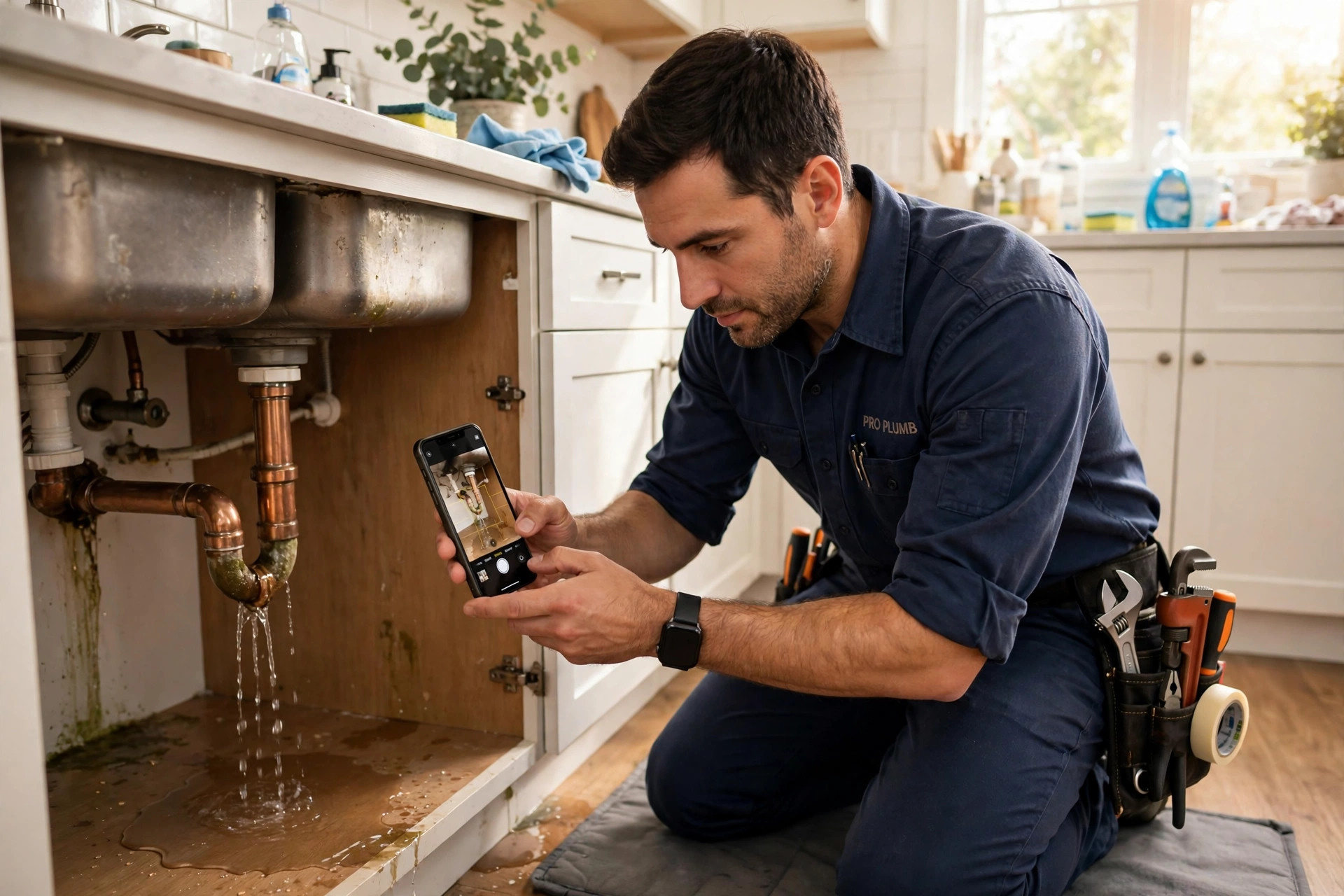
A customer who can see the corroded trap, the cracked supply line, or the water heater rusting at the base does not need to be sold. Take the photo while you are still under the sink: the leak itself, the failed part up close, and one wider shot that shows where it sits in the house. A photo of the actual problem in their actual home beats any stock image and any paragraph of explanation.
Photos also protect you. If the job grows — a corroded fitting crumbles when you touch it, a shutoff valve will not close — the photos you took at diagnosis show what you saw when you priced it. When the estimate and the photos travel together, the customer trusts both more.
2. Itemize parts and labor — never a single number
A single lump sum invites the customer to haggle over the whole thing. Line items let them see the work:
- Parts, named specifically. "Trap assembly, 1-1/2 in. PVC" tells the customer what they are buying; "materials" tells them nothing.
- Labor, as its own line. Your time is the product. Hiding it inside a lump sum makes the customer think the parts cost $850.
- Optional work, marked optional. Replacing the supply lines while you are already there is a genuine recommendation — label it optional so the customer can say yes to the repair and no to the extra, instead of rejecting the whole estimate.
- A total that adds up. Subtotal, then the total, with nothing hidden. If the customer can check your math, they stop suspecting it.
3. Say what is included — and what is not
Most estimate disputes are not about price. They are about a sentence that was never written. State the scope in plain language: what you will do, what parts are included, and how long the work should take. Then state the exclusions just as plainly: drywall or tile repair after you open a wall, for example, or a permit fee if the job needs one. A customer who reads the exclusion before the work starts nods; a customer who discovers it after the work starts argues.
Add a validity period — a week or two is typical — so the estimate does not sit open forever while material prices move. And add your terms in one short paragraph: payment on completion, warranty on labor, what happens if hidden damage appears once the wall is open.
4. Send a document, not a text message
An estimate sent as a text message looks temporary, and customers treat it that way. A clean, structured document — your company name at the top, the photos, the line items, the total, the scope, and a place to approve — looks like a professional commitment, and customers respond to it like one.
The format matters for another reason: it is what the customer forwards to a spouse, a landlord, or a property manager. An estimate that reads clearly to someone who was not in the room gets approved faster than one that only makes sense to the person who watched you diagnose it. If your estimate needs you standing next to it to explain it, it is not finished.
5. Make approval one tap, not a phone call
Every extra step between "yes" and the scheduled job is a chance to lose the job. When the customer can open the estimate on their phone, read it, and tap approve — with their name recorded — the decision happens while the problem is still fresh in their mind. If approval means calling you back, finding your number, and catching you between jobs, the "let me think about it" turns into a lost week.
The same logic applies to the jobs you document for your own records. A finished job with photos, a priced estimate, and a customer approval on file is the easiest reference for the next similar job — and the easiest answer if anyone asks what was done and what it cost.
How InspectReport AI fits
InspectReport AI is home inspection report software — photos plus short notes become a structured report with severity badges and a PDF — and the same engine builds priced estimates for repair pros. Photograph the leak, type the short notes the way you normally would, and the estimate comes out with line items, a total, scope and exclusions, and a share link the customer can approve from their phone. No separate quoting app, no retyping the job twice.
Accounts, reports, and the live preview are free, and every new account gets a free 7-day Pro trial with full access including PDF export — no card required. After the trial, it is $9 a month flat per account, with no per-inspector fees. That is the whole pricing story: one flat rate whether you send one estimate a month or one a day.
The checklist before you send
- Photos of the actual problem, taken on site, attached to the estimate
- Parts named specifically, labor on its own line, optional work marked optional
- Scope written in plain language, exclusions stated, validity period set
- Your company name on the document, not just in the sender field
- A share link the customer can open and approve without an account or a phone call
A plumbing estimate is not paperwork you do after the real work. For the customer, it is the work until the day you show up with tools. Write it like the document that decides whether you get the job — because it is.
Try it on your next job — free
Every new account gets a free 7-day Pro trial with full PDF export, and no card is required. After the trial, $9/mo flat per account keeps PDF export — reports and the live preview stay free either way.
Start my free 7-day trialMore from the blog
- Home Inspection Report Software Free Trial: What to Test in 7 Days
- New Construction Final Walkthrough: What to Check Before You Sign Off (and the 11-Month Inspection After)
- Wind Mitigation Inspections: What the OIR-B1-1802 Checks — and Why Photos Decide the Discount
- Home Inspection Report Software for Multi-Inspector Firms: Flat Pricing vs Per-Inspector Fees
- 4-Point Inspection Reports: What Insurers Ask For and How to Deliver Them Fast
- Section 8 Inspections Are Changing: NSPIRE, the 24-Hour Clock, and What to Walk Before February 1, 2027
- Commercial Building Inspection Reports: What a CAPEX Summary Adds for Buyers and Owners
- InspectForge Pricing Explained: What Inspectors Actually Pay
- HomeGauge Pricing Explained: What Inspectors Actually Pay
- What Buyers Actually Read in Your Inspection Report (and What They Skip)
- Winter Home Inspections: Freeze Damage, Furnaces, and What Changes on Site
- Switching Home Inspection Report Software: A Migration Checklist That Loses Nothing
- AI in Home Inspection Reports: What It Can and Can't Do, Honestly
- Change Orders Without the Fight: Documenting Extra Work So Customers Approve It
- For Roofers: How to Write a Repair Quote Customers Approve Faster
- Same-Day Report Delivery: The Workflow That Makes It Routine
- Repair-Cost Estimates in Inspection Reports: How Inspectors Price Findings
- Home Inspection Checklist: What Inspectors Check, Room by Room
- Spectora Pricing Explained: What 1-, 3-, and 5-Person Shops Actually Pay
- How Much Does Home Inspection Software Cost in 2026? Vendor-by-Vendor Math
- Home Inspection Report Template: What a Complete Report Includes
- Best Home Inspection Report Software in 2026: An Honest Ranking
- How to Write a Home Inspection Report Faster (Without Cutting Corners)
- Spectora vs InspectReport AI: An Honest Comparison (2026)
- HomeGauge vs InspectReport AI: An Honest Comparison (2026)
- How Contractors Can Document Jobs with Photos and Send a Clean, Priced PDF